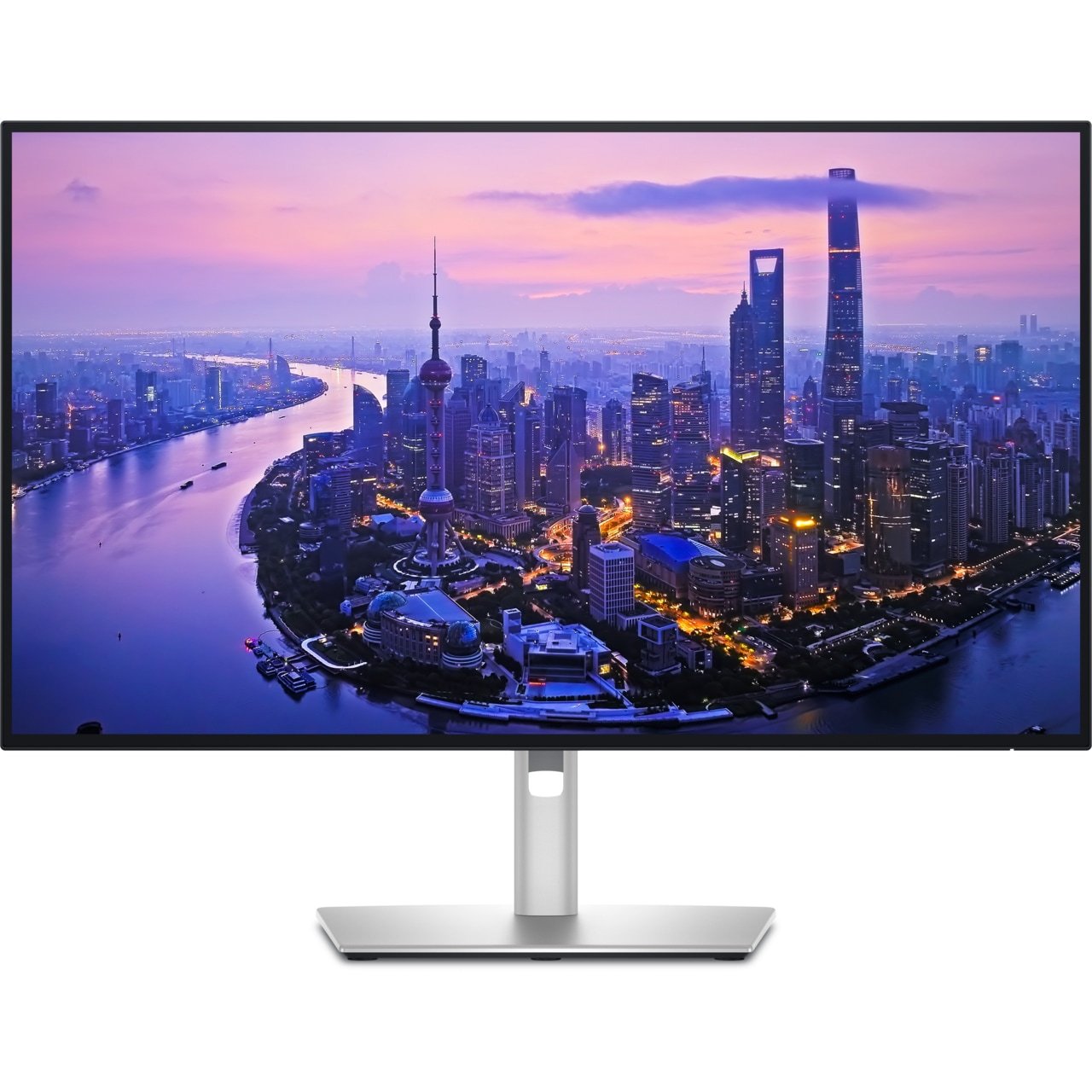
Dell UltraSharp U2725QEDell UltraSharp U2725QE
A high-density 27-inch canvas with a sophisticated built-in hub, useful when moving between a laptop and another computer.
Purchases through these Amazon links may earn Danqvora a commission.
A specification-led buying guide to sharper charts, cleaner desks and easier multitasking. Our comparisons focus on manufacturer-published specifications and everyday workflow needs—not purported hands-on tests.
Editorial note. Some product links may generate a commission for Danqvora at no additional cost to readers. Recommendations are based on the stated criteria, not on commissions. As an Amazon Associate I earn from qualifying purchases.
For most trading desks, readable numbers and reliable connectivity matter more than extreme gaming refresh rates. A 27-inch 4K screen gives sharp chart labels, economic calendars and order-book text. A 34-inch ultra-wide offers horizontal room for research beside charts. Two simpler monitors can still be more practical than one oversized panel.
Screen count does not improve a trading strategy or eliminate risk. This guide compares monitors as productivity tools, not financial performance upgrades.
Important: Product specifications and model names were checked against official manufacturer documentation. Danqvora has not physically tested these displays for this guide. Regional pricing, availability, warranty and port bundles may vary.
| Monitor | Panel / resolution | Refresh | Practical fit |
|---|---|---|---|
| 01 / Dell UltraSharp U2725QE | 27-inch 4K (3840 × 2160) | Up to 120Hz | Premium workstation |
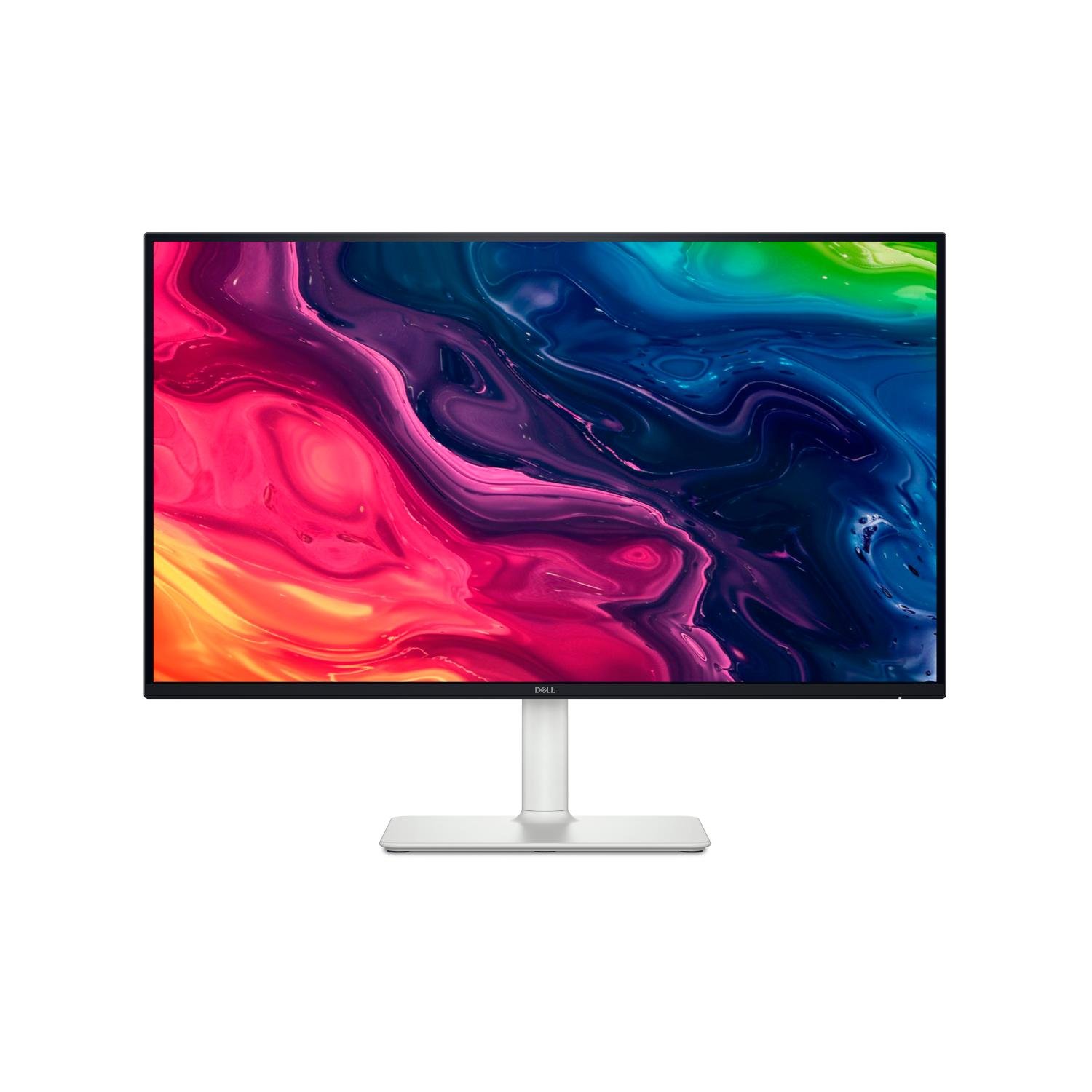
| 02 / Dell 27 Plus S2725QS | 27-inch 4K (3840 × 2160) | Up to 120Hz | Straightforward 4K |
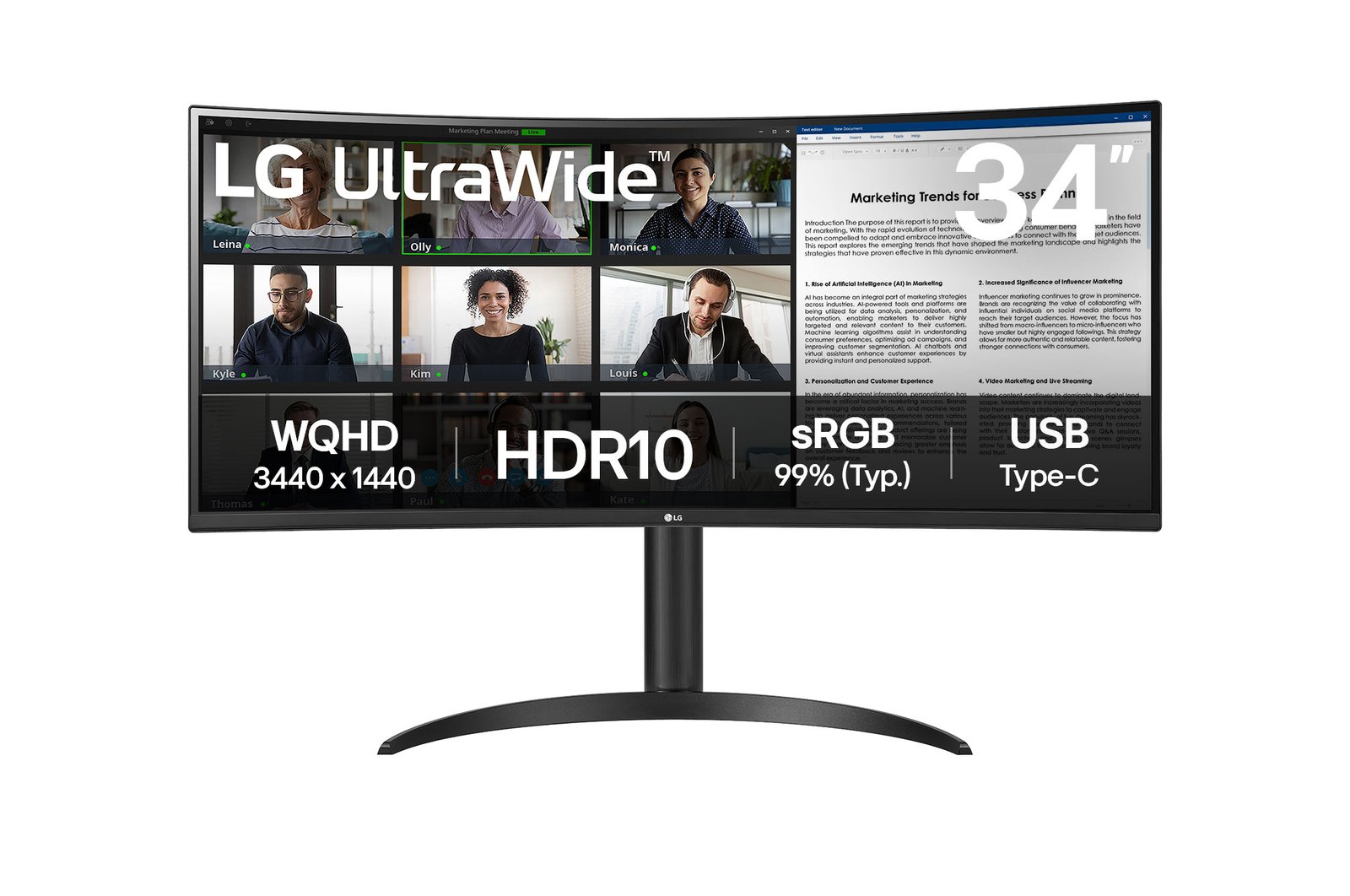
| 03 / LG 34WR55QK-B UltraWide | 34-inch 3440 × 1440 curved ultra-wide | Up to 100Hz | One-screen multitasking |
| 04 / ASUS ProArt PA279CRV | 27-inch 4K (3840 × 2160) IPS | Up to 60Hz | Research + creative work |
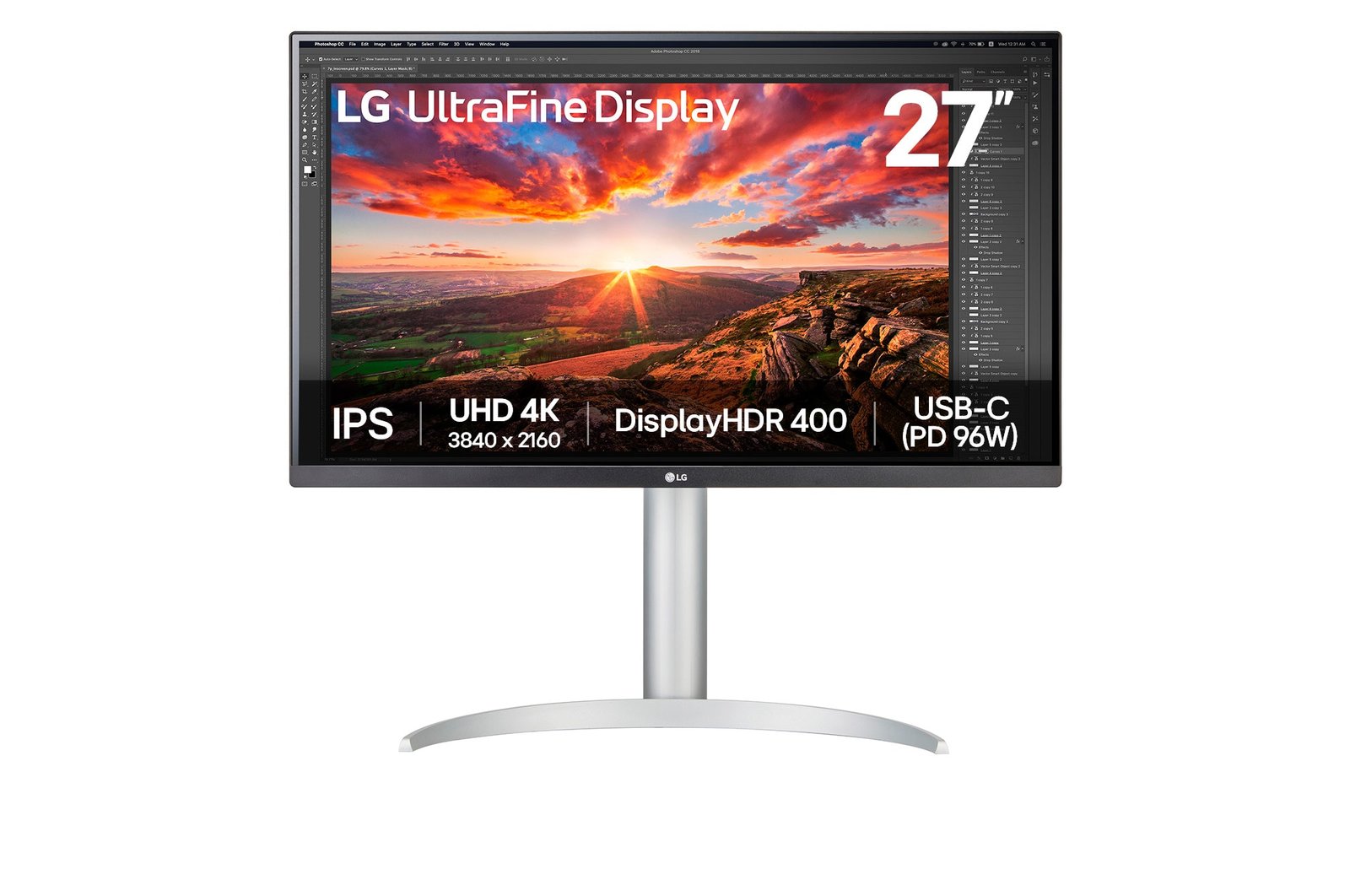
| 05 / LG 27UP850K-W | 27-inch 4K (3840 × 2160) IPS | Up to 60Hz | USB-C 4K alternative |
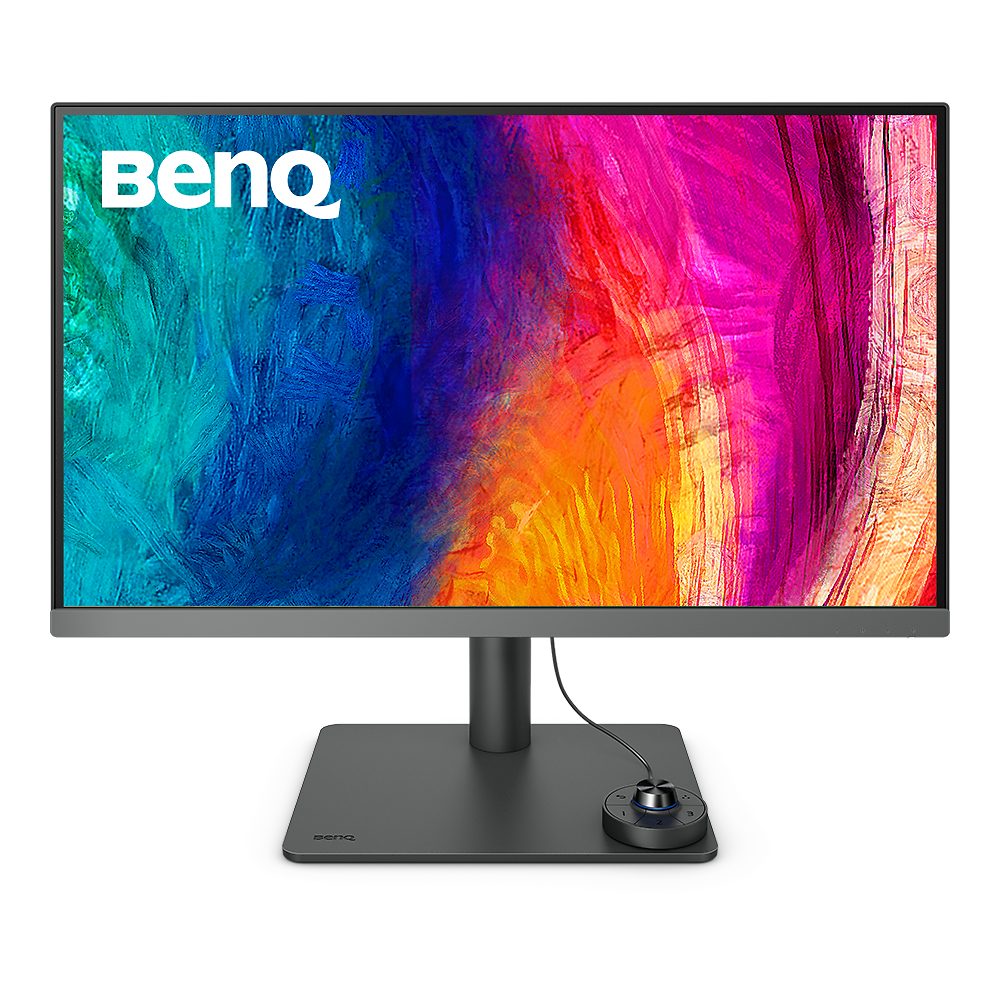
| 06 / BenQ PD2706U | 27-inch 4K (3840 × 2160) IPS | Up to 60Hz | KVM and creator workflow |
Manufacturer claims, not hands-on measurements. “Best fit” describes intended workflow, not measured rankings.
Dell UltraSharp U2725QEA high-density 27-inch canvas with a sophisticated built-in hub, useful when moving between a laptop and another computer.
Purchases through these Amazon links may earn Danqvora a commission.
Dell 27 Plus S2725QSA relatively simple 4K monitor with a smooth refresh-rate option and adjustable stand.
Purchases through these Amazon links may earn Danqvora a commission.
LG 34WR55QK-B UltraWideA broad 21:9 workspace can reduce window switching without requiring two separate screens.
Purchases through these Amazon links may earn Danqvora a commission.
ASUS ProArt PA279CRVA precise 4K panel, fully adjustable stand and useful single-cable laptop connectivity.
Purchases through these Amazon links may earn Danqvora a commission.
LG 27UP850K-WA sensible dense-text display with ergonomic adjustments and one-cable capabilities.
Purchases through these Amazon links may earn Danqvora a commission.
BenQ PD2706UA 4K desktop monitor with KVM support and a broad suite of work-oriented connectivity.
Purchases through these Amazon links may earn Danqvora a commission.
4K on a 27-inch panel provides sharp small text, but Windows or macOS scaling may be needed. Check whether your charting app remains comfortable at 125–150% scaling.
Ultra-wide is useful for multiple windows. Two monitors offer easier portrait layouts and independent positioning. Compare desk width and arm support before buying.
USB-C display support and USB-C charging are not the same. Verify your laptop's DisplayPort Alt Mode, the monitor's delivered wattage and the included cable.
Height adjustment, anti-glare treatment, viewing distance and breaks are useful in long sessions. Refresh rate alone is not a measure of eye comfort.
No. 1440p often works well. 4K becomes attractive if you value high-density text or want to fit many panels on one screen, provided scaling is comfortable.
Not automatically. Start with a clear, well-positioned display and add another only when simultaneous charts, news or documents make the extra space genuinely useful.
Higher refresh rates can make cursor movement and scrolling look smoother; they do not speed up market data or improve order execution on their own.
Retail prices and inventory change quickly and differ across the US and India. Check each marketplace's current listing, exact model and return policy before purchasing.
Selection criteria include chart-label legibility (resolution relative to size), useful screen width, laptop connectivity, adjustability, straightforward multi-window workflows and official manufacturer specifications. Distinct use cases are presented rather than an invented numerical performance score. The manufacturer link beside every model is the primary technical source.
No affiliate partnership determines the technical specifications stated here. Product inclusion does not imply a test, purchase, endorsement or warranty from Danqvora. Availability should be verified separately in the US and India.
For additional finance research, visit Danqvora Brief.